
How are due dates assigned?
Due dates are assigned automatically once products are marked as delivered. You can track each creator’s status and deliverables from your campaign dashboard.
How can I change the due date for my UGC campaigns?
Click “Adjust due date” next to the relevant campaign, submit a proposed new date, and the creator will either approve or decline the request.
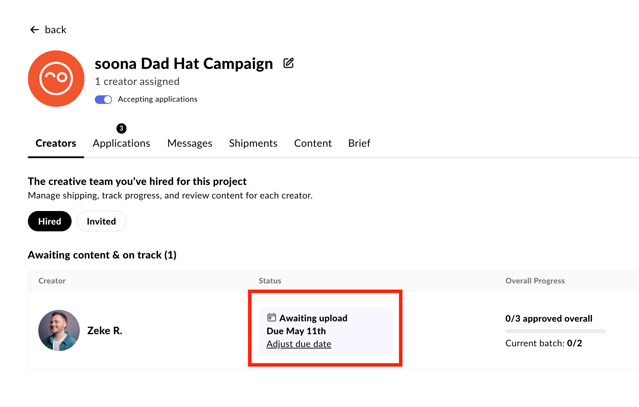
Once you click "Adjust due date" you can send a request to adjust the campaign due date.
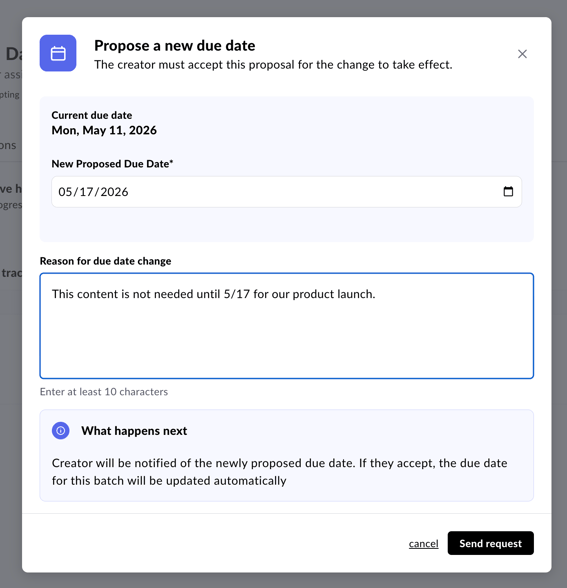
The opposite party will have to accept or deny the request.
If you still need help, you can reach out to Customer Support at hey@soona.co.