
-
The soona + Contentful integration lets you send images and videos directly from your soona account to your Contentful CMS space — no downloading or re-uploading required. To use this integration, you'll need an active soona account and access to a Contentful space with Media upload permissions. Follow the steps below to connect your accounts and start transferring assets.
Access the Integration:
-
- Navigate to the Integrations tab on the left hand side of your soona account.
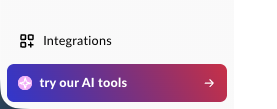
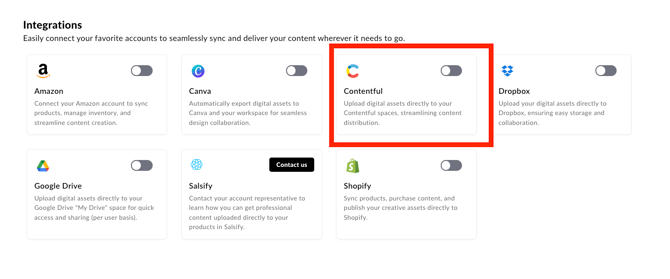
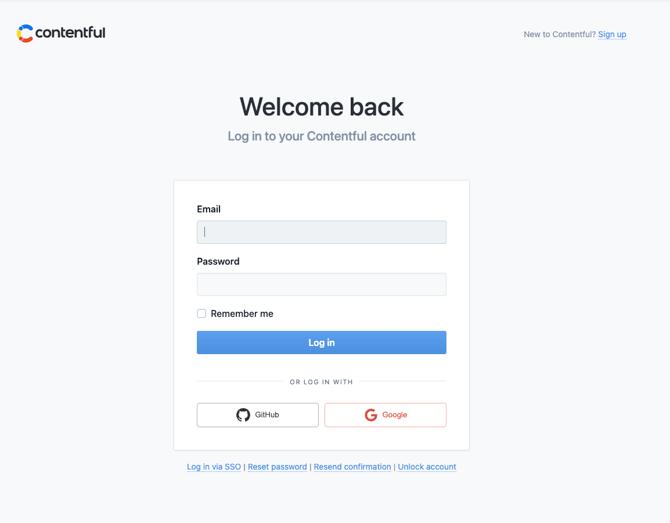
- Connect your Contentful account: when prompted, enter your Contentful Space ID and API key, then authorize the connection.
-
Select Your Assets:
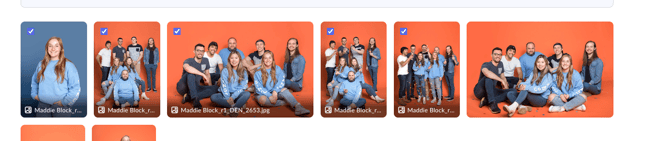
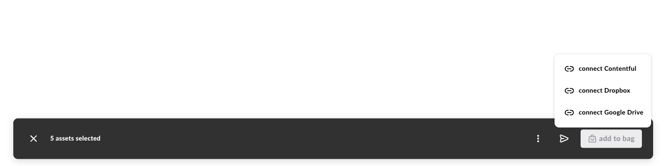
- Multi-select the desired assets from your DAM (Digital Asset Management library) or from a Reservation Gallery — note that only edited/finalized assets are available from reservation galleries.
-
Upload to Contentful:
- Use the action bar to select “Send to Contentful.”
- Choose the resolution for each asset: Web (optimized for online use), Hi-Res (for print or high-quality digital), or RAW (original unprocessed file).
- Optional: add a custom file name for each asset.
-
Locate Your Assets:
- Your selected images and videos are uploaded directly to your Contentful CMS space.
- Find your uploaded assets in the Media tab in Contentful. Files are named using the pattern
resolution-filename.ext— for example,hi_res-photo.jpgorweb-photo.jpg.
This integration eliminates the need to manually download and re-upload assets, saving your team time and reducing friction. Content transfers seamlessly from soona to Contentful, so you can focus on what matters most.
For any questions or support, please reach out to hey@soona.co.