How it works:
- Go to the Edits tab on your booking

- Click Edit Requests
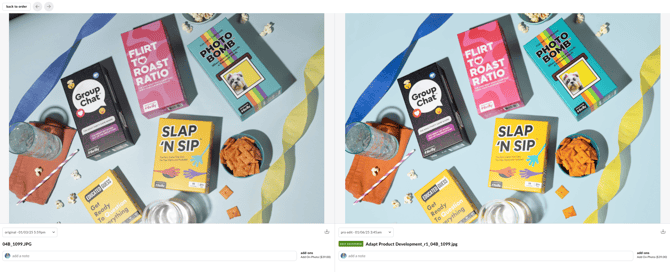
- Click Compare Versions. This will allow you to toggle back and forth between different versions of your content so you can see RAW images compared to edited images, edited images compared to re-edited content, etc.